
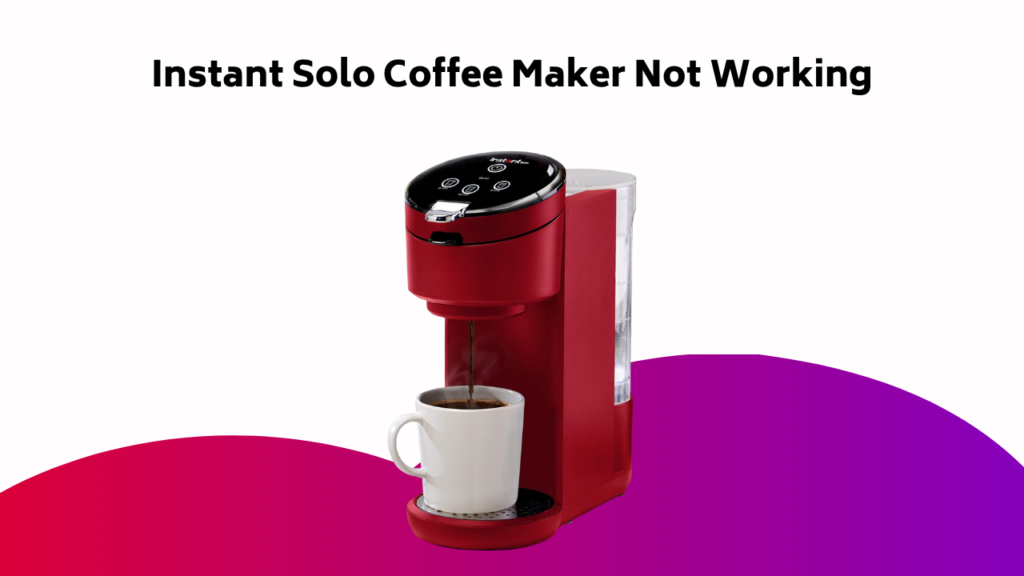
When your Instant Solo Coffee Maker starts acting up, don’t panic – troubleshooting is often a straightforward process. You’ve likely encountered an issue like beeping, no coffee dispensing, or an error code flashing on the screen. To get your morning coffee back on track, let’s plunge into the possible causes and solutions. First, check the water tank level and verify it’s properly attached – a simple oversight can trigger a world of problems.
Contents
Symptoms of the Issue
When your Instant Solo coffee maker malfunctions, it’s essential to identify the symptoms of the issue to diagnose and fix the problem efficiently.
Check if your coffee maker isn’t turning on or if it’s not brewing coffee. Verify the water tank is filled and properly aligned.
If the issue persists, unplug the coffee maker, wait for 30 seconds, and plug it back. Observe if the machine is dispensing water or making any unusual noises.
Take note of any error messages or lights flashing on the control panel. By identifying these symptoms, you’ll be able to narrow down the possible causes of the problem.
Possible Causes of the Problem
Several possible causes can contribute to your Instant Solo coffee maker’s malfunction.
Check the power cord and outlet to guarantee they’re functioning properly. Make sure the machine is properly plugged in and the outlet isn’t faulty.
Another common issue is clogged water filters or tubes, which can prevent water from flowing through the system.
Scale buildup from hard water can also cause problems. Check the water reservoir for mineral deposits and descale the machine if necessary.
Additionally, faulty or worn-out parts, such as the heating element or pump, can cause the machine to malfunction.
Steps to Resolve the Issue
Now that you’ve identified the possible causes of your Instant Solo coffee maker’s malfunction, it’s time to take corrective action.
First, check the water tank level and refill if necessary – a simple Coffee Machine Hack to guarantee the machine has sufficient water to function properly.
Next, verify the water tank is properly attached to prevent beeping issues.
Perform a clean run (10 oz with no k-pod) to remove any buildup or debris.
Refer to your user manual for specific cleaning instructions, a valuable Coffee Maker Tip.
If the issue persists, contact Customer Care for further Beeping Solutions and troubleshooting guidance.
Recommended Maintenance Schedule
To guarantee your Instant Solo coffee maker continues to function properly, you should establish a regular maintenance routine.
Perform a clean run (10 oz run with no k-pod) once a week to prevent issues and verify proper function.
Regularly clean the machine according to the user manual’s instructions to prevent buildup and maintain peak performance.
This routine will promote Coffee Maker Hygiene, verify effective Cleaning Routines, and facilitate Machine Inspection.
Troubleshooting Coffee Maker Issues
You’re likely reading this because your Instant Solo Coffee Maker is malfunctioning.
This section will help you identify and resolve common issues, starting with deciphering error codes that appear on the display.
From there, you’ll learn how to troubleshoot and fix problems like blinking buttons that won’t respond.
Common Error Codes
Five distinct error codes on your Instant Solo Coffee Maker‘s display can indicate various issues, ranging from minor to major problems.
You’ll see these Coffee Code Errors, also known as Machine Fault Codes, flashing on the screen, alerting you to a specific issue. Error Message Decoding is vital to identify the problem.
Code E0 indicates a water tank issue, while E1 signals a blockage in the coffee grounds container. Code E2 points to a faulty heating element, E3 indicates a scale buildup, and E4 signals a faulty sensor.
Refer to your user manual or online resources for detailed explanations and troubleshooting steps.
Fixing Blinking Buttons
When your Instant Solo Coffee Maker’s buttons start blinking, it’s more than just a minor annoyance – it’s a signal that something’s amiss. To troubleshoot, start by checking the water tank level and verifying it’s properly attached. Perform a clean run of 10 oz with no k-pod to resolve the issue.
| Symptom | Solution |
|---|---|
| Blinking buttons | Check water tank level, confirm proper attachment, and perform a clean run |
| Continuous beeping | Check water tank, secure lid, and descale machine |
| Failure to resolve issue | Contact Customer Care for further assistance |
Secure Lid and Brew Basket
The brew process relies heavily on a secure lid and brew basket to produce a perfect cup of coffee.
You must guarantee the lid is properly aligned and locked to prevent coffee grounds from spilling during the brew cycle.
If you’re experiencing issues, check the brew basket for blockages or old coffee residue.
A clean brew basket is vital for a fresh brew every morning.
Make it a habit to clean the brew basket regularly to maintain a smooth morning routine.
Verify that the lid and brew basket are securely in place before starting your coffee maker to avoid any mishaps.
Checking and Refilling the Water Tank
You’ve verified your lid and brew basket are secure, now it’s time to focus on the water tank.
Check the water level, ensuring it’s at the recommended minimum. If it’s low, perform a fresh refill to avoid any issues.
Regular tank cleaning is vital to prevent mineral buildup and bacterial growth. Remove any visible debris or sediment from the tank and filter.
If you’ve refilled the tank, try brewing a cup to test the machine. If issues persist, proceed to the next troubleshooting step.
Advanced Troubleshooting and Resetting
You’ve checked the water tank and verified it’s properly filled, but your Instant Solo Coffee Maker still isn’t functioning as expected.
Now, it’s time to investigate more advanced troubleshooting methods to resolve the issue.
You’ll learn how to reset your coffee maker, utilize advanced descale techniques, and make adjustments for high altitude use.
Resetting the Coffee Maker
Restoring your instant solo coffee maker to its factory settings can be a crucial step in resolving persistent issues.
To reset your coffee machine, press and hold the Power Button for 10 seconds. Release the button, then press it again for 3 seconds. The coffee maker will flash its lights, indicating it’s resetting to factory defaults.
Wait for the lights to stop flashing, then unplug the machine from the power outlet. Plug it back in, and the coffee maker should now be reset to its original settings.
This process will erase any customized settings, so you’ll need to reconfigure them after the reset.
Advanced Descale Methods
The advanced descale methods outlined in this section target persistent mineral deposits that can hinder your instant solo coffee maker‘s performance.
These methods are essential for removing stubborn scaling that regular cleaning cycles can’t tackle.
To descale effectively, try the following:
- Mix 1 part white vinegar with 1 part water and run 2-3 cycles through the machine to dissolve mineral deposits.
- Soak the water tank and brew group in a 50/50 mixture of water and white vinegar for 30 minutes before rinsing and running multiple cleaning cycles.
- Use a citric acid-based descaling solution, following the manufacturer’s instructions for concentration and soaking time.
- Run 2-3 cycles of just water through the machine after descaling to remove any remaining vinegar or descaling solution taste and residue.
High Altitude Adjustments
At elevations above 5,000 feet, instant solo coffee makers can struggle to reach ideal pressure, leading to under-extraction and poor-tasting coffee.
You’ll need to adjust your brewing technique to compensate for the lower air pressure. High altitude brewing requires a coarser grind and a slightly slower flow rate to optimize coffee flavor profiles.
Experiment with different grind settings and water temperatures to find the perfect balance. Be prepared to make adjustments as you ascend, as air pressure effects on brewing can vary significantly.
Frequently Asked Questions
Why Are All the Lights Flashing on My Instant Solo Coffee Maker?
You’re wondering why all the lights are flashing on your coffee maker. A faulty sensor or incorrect water level could be causing a light sequence indicating a coffee overdose, which triggers the flashing lights and beeping, preventing normal operation.
Why Is My Coffee Machine Not Pumping Water?
You’re not alone: 68% of coffee maker issues stem from water flow problems. If your machine isn’t pumping water, check for clogged tubes, a faulty pump, or improper water tank attachment, and try descaling to resolve the issue and get your coffee flowing again.
How Do You Fix a Coffee Maker That Won’t Brew?
You fix a coffee maker that won’t brew by checking for Coffee Ground Issues, Faulty Thermal elements, and Brew Button Fault, then try refilling the water tank, performing a clean run, and ensuring proper tank attachment to resolve the issue.
How Do I Descale My Instant Solo Coffee Maker?
Congratulations, you’ve finally acknowledged the scale buildup ruining your coffee game! Now, mix 1 part white vinegar with 2 parts water, or use a descaling solution, to banish those pesky mineral deposits and get your brew back on track.
Conclusion
You’ve successfully troubleshooted your Instant Solo Coffee Maker! Now, you’re brewing like a pro again. But, don’t get too comfortable – will you remember to maintain your machine regularly? Regular cleaning and checking can prevent most issues. By following these steps, you’ll avoid the frustration of a malfunctioning coffee maker and guarantee your daily cuppa is always ready when you need it.